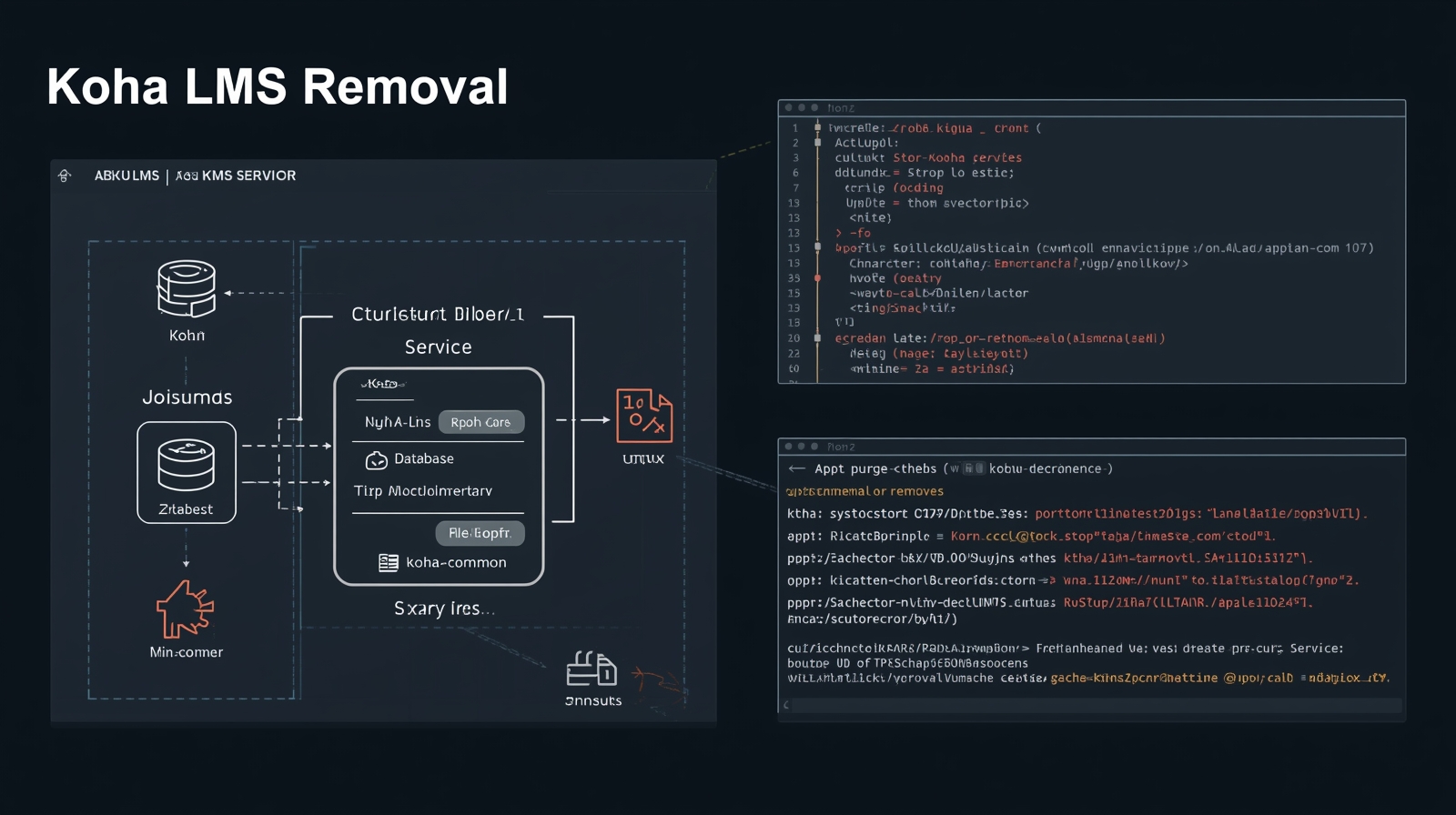
Koha Complete Removal Guide – Debian/Ubuntu
Last updated: January 2026 ⚠️ WARNING: This will PERMANENTLY DELETE all Koha libraries, databases, configurations, logs and files. Only continue if you are 100% sure you want to completely wipe Koha.
Manual Step-by-Step Removal
1. Stop services
sudo systemctl stop koha-common
sudo systemctl stop koha-zebra
Verify nothing is still running:
systemctl list-units --type=service | grep -i koha2. Remove Koha packages (core)
sudo apt purge koha-common koha-zebra koha-commons koha-perl koha-l10n3.Remove Koha-owned dependencies (safe list)
These packages are installed specifically for Koha (Zebra, Z39.50, MARC):
sudo apt purge \
  idzebra-2.0 \
  idzebra-2.0-common \
  idzebra-2.0-utils \
  libidzebra-2.0-0 \
  libyaz5 \
  yaz \
  libnet-z3950-zoom-perl \
  libnet-z3950-simpleserver-perl \
  libmarc-record-perl \
  libmarc-xml-perl \
  libmarc-charset-perl \
  liblibrary-callnumber-lc-perl
4. Clean orphaned packages (review carefully)
sudo apt autoremove --purgeAPT will show you the list.
If you see something you still need, abort with Ctrl+C.
5.Remove Koha APT repository and GPG key
This reverses the Koha repository setup and prevents future apt update warnings.
# Remove Koha APT source list
sudo rm -f /etc/apt/sources.list.d/koha.list

# Remove Koha GPG signing key
sudo rm -f /usr/share/keyrings/koha.gpg

# Refresh APT package index
sudo apt update
6. Drop Koha databases (MySQL / MariaDB)
sudo mysql -u root -pThen inside mysql:
SHOW DATABASES;   -- look for databases starting with koha_

DROP DATABASE koha_your_instance_name;
DROP DATABASE koha_another_library;   -- repeat for each

DROP USER IF EXISTS 'kohaadmin'@'localhost';
FLUSH PRIVILEGES;
EXIT;
7. Delete directories
sudo rm -rf /etc/koha
sudo rm -rf /var/lib/koha
sudo rm -rf /var/log/koha
sudo rm -rf /usr/share/koha
8. Remove web server config (choose your server)
Apache
sudo rm -f /etc/apache2/sites-enabled/koha* \
           /etc/apache2/sites-available/koha*
sudo systemctl reload apache2
Nginx (if you use it)
sudo rm -f /etc/nginx/sites-enabled/koha* \
           /etc/nginx/sites-available/koha*
sudo systemctl reload nginx
9. Remove cron jobs
sudo rm -f /etc/cron.d/koha-common10. Final verification
dpkg -l | grep koha
sudo mysql -u root -p -e "SHOW DATABASES;" | grep -i koha
sudo find /etc /var -iname "*koha*" 2>/dev/null
If nothing appears, Koha is fully removed.
⚠️ All-in-One Interactive Cleanup Script (Advanced)
DANGER ZONE
This script permanently deletes Koha packages, databases, users, and files.
- 💀 Data loss is irreversible
- ❌ Do NOT run on a production system
- ✅ Use only on test / dev servers you intend to wipe
- Permanently deletes Koha data
- Requires manual confirmation
- Designed to avoid shared system services
- Suitable for dedicated Koha servers or experienced admins
#!/usr/bin/env bash

# =============================================================================
#        KOHA SAFE DESTRUCTION SCRIPT - DEBIAN/UBUNTU
#        Removes ONLY Koha and Koha-owned dependencies
#        NO auto-confirm • User must review package list
# =============================================================================

set -e

echo "=================================================================="
echo " ⚠️  WARNING: KOHA REMOVAL"
echo
echo " This script will REMOVE Koha packages, databases,"
echo " configuration files, and cron jobs."
echo
echo " Review ALL packages before confirming."
echo "=================================================================="
echo

read -p "Press ENTER to continue or Ctrl+C to abort..."

echo
echo "Stopping Koha services..."
sudo systemctl stop koha-common koha-zebra 2>/dev/null || true

echo
echo "Identifying Koha packages..."

PKGS_TO_REMOVE=$(dpkg -l | awk '/^ii/ {print $2}' | \
  grep -E '^(koha-|idzebra-|libidzebra|yaz|libyaz|libnet-z3950|libmarc-|library-callnumber)' || true)

echo
echo "Packages marked for removal:"
echo "------------------------------------------------"

if [ -z "$PKGS_TO_REMOVE" ]; then
  echo "✓ No Koha packages found."
else
  echo "$PKGS_TO_REMOVE"
  echo "------------------------------------------------"
  read -p "Type YES to proceed: " CONFIRM

  if [ "$CONFIRM" != "YES" ]; then
    echo "Aborted."
    exit 1
  fi

  sudo apt purge $PKGS_TO_REMOVE
fi

echo
echo "Running autoremove (review list)..."
sudo apt autoremove --purge

echo
echo "Removing Koha APT repository and GPG key..."

# Remove Koha repo list
sudo rm -f /etc/apt/sources.list.d/koha.list

# Remove Koha signing key
sudo rm -f /usr/share/keyrings/koha.gpg

# Clean APT cache
sudo apt update


echo
echo -n "MySQL/MariaDB root password: "
read -s MYSQL_PASS
echo

mysql -uroot -p"$MYSQL_PASS" -e "SELECT 1;" >/dev/null \
  || { echo "MySQL authentication failed"; exit 1; }

echo
echo "Dropping Koha databases..."
DBS=$(mysql -uroot -p"$MYSQL_PASS" -e "SHOW DATABASES;" | grep -i '^koha' || true)

for db in $DBS; do
  mysql -uroot -p"$MYSQL_PASS" -e "DROP DATABASE \`$db\`;"
done

mysql -uroot -p"$MYSQL_PASS" -e \
  "DROP USER IF EXISTS 'kohaadmin'@'localhost'; FLUSH PRIVILEGES;"

echo
echo "Deleting Koha directories..."
sudo rm -rf /etc/koha /var/lib/koha /var/log/koha /usr/share/koha

echo
echo "Removing web server configs..."
sudo rm -f /etc/apache2/sites-*/*koha* 2>/dev/null || true
sudo systemctl reload apache2 2>/dev/null || true

sudo rm -f /etc/nginx/sites-*/*koha* 2>/dev/null || true
sudo systemctl reload nginx 2>/dev/null || true

echo
echo "Removing cron jobs..."
sudo rm -f /etc/cron.d/koha-common

echo
echo "================================================"
echo " Koha removal completed"
echo " Verify with: dpkg -l | grep koha"
echo "================================================"
How to use
⚠️ Danger Zone
Make sure this is not a production server. This script will permanently remove Koha and its data.
1. Save the script
Create a new file:
nano remove_koha.shPaste the script into the file, then save and exit:
-
Ctrl + O → Enter (save)
-
Ctrl + X (exit)
2. Make it executable
chmod +x remove_koha.sh3. Run the script
sudo bash remove_koha.sh4.Enter MySQL root password
When prompted, enter your MySQL/MariaDB root password. (The input is hidden for security.)
5.Verify removal (optional)
You can confirm Koha is gone by checking:
dpkg -l | grep koha
ls /etc/koha /var/lib/koha
If nothing is returned, Koha has been fully removed.
Conclusion
✅ Manual steps = safest for shared servers
⚠️ Script = fast but destructive
🧠 Always review package lists
🔒 No shared services are force-removed